
Nepal eSIM – mobile data in Nepal from €4.49
Land in Kathmandu with data already on your phone for transfers and bookings. On the trekking trails, though, plan for patchy signal.
Nepal eSIM plans and prices
Plan details
- Networks: NT Mobile (4G), Ncell (4G)
- Validity starts when the eSIM connects to a network at your destination.
- Install the eSIM within 180 days of purchase.
- You can buy more data for the same eSIM if you need it.
- Data only. For calls and messages you can use your own SIM card or apps.
Is the data enough?
Choose trip length and usage to get a rough suggestion.
Estimate: about 5.6 GB
Suggestion: 10 GB · 30 days · €33.49
The estimate is based on average use. Video and hotspot use data quickly.
VAT included. One-off payment, no automatic renewal. By buying you accept the terms and ask for immediate delivery, so your right of withdrawal ends once the eSIM has been delivered.
- First check if your phone supports eSIM
- Help with any problems: [email protected]
Data in Kathmandu and on the trails
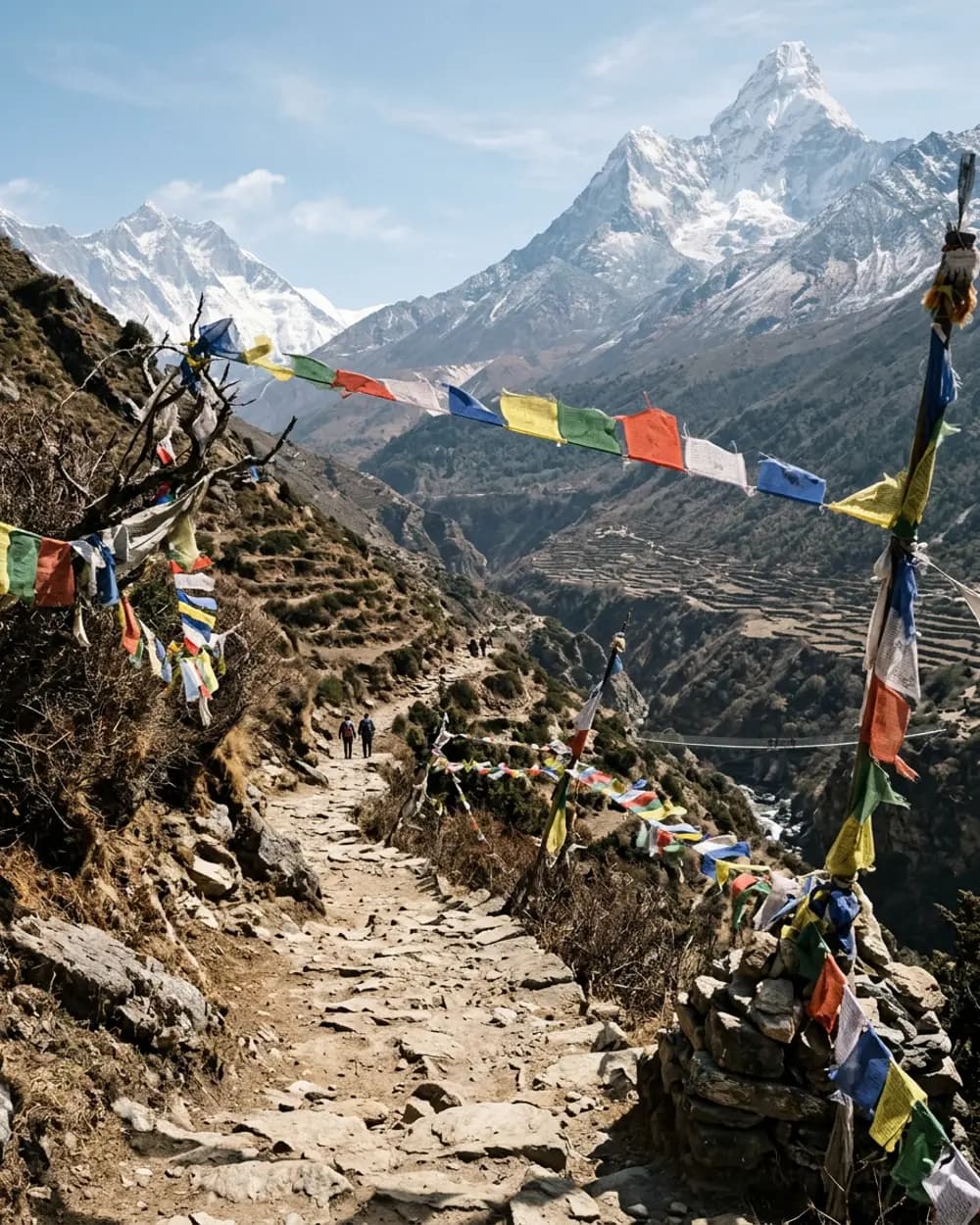
In Nepal the plan uses the NT Mobile and Ncell 4G networks. In Kathmandu, Pokhara and around Chitwan the connection usually works well. On trekking routes such as Annapurna and the Everest region coverage is intermittent and often poor, and you should not rely on it. Download maps and bookings in Kathmandu before you go. Wifi in tea houses is often paid for and slow, so prepare offline maps and keep important details saved on the phone.
In Kathmandu rides and restaurants can be found with apps, and hosts often reply on WhatsApp. Your own data is useful above all on arrival, when the airport transfer and accommodation need confirming.
A local SIM can be had, but it needs your passport, a photograph and registration, and activation can take a while. The eSIM is installed beforehand and the data starts on arrival. Your own number stays in the phone and calls go through data. Roaming on your own plan is often dearer than a separate data plan, so an eSIM is a sensible choice for the city part of the trip.
Get started in three steps
Choose a destination and plan
You see the price, validity and data amount right away.
Install the eSIM
You get a QR code and clear instructions. Your phone needs an internet connection during installation.
Turn on data when you arrive
Select the eSIM for mobile data when you reach your destination, and turn off data roaming on your own plan.
Good to know: Nepal
- Power sockets
- Socket type: C, D, M. A European C/F plug does not fit, so bring a travel adapter.
- Voltage
- 230 V, 50 Hz
- Calling code
- +977
- Your own mobile plan
- EU roaming rules do not apply in Nepal, and data on your own plan can be expensive. With an eSIM you know the price in advance.
Read more: travel adapters, calling codes and roaming.
FAQ: Nepal
Does mobile data work on a trek in Nepal?
Coverage on routes like Annapurna and the Everest region is patchy and often poor. Download maps before you leave Kathmandu.
Is it easy to buy a local SIM in Nepal?
You can, but it takes your passport, a photograph and registration, and activation can take a while.
Does WhatsApp work in Nepal?
Yes, over a data connection. Hosts and guides often use it.
What can I use this eSIM for?
The plan is meant for mobile internet on your trip, for example maps, messages and browsing.
Will my own number still work?
Yes. Your own number and SIM card stay active for calls and messages. Choose the Reissaa eSIM for mobile data.
When should I buy the plan?
Buy and install the eSIM before you leave, while you have a stable internet connection.
Will my own mobile plan work in Nepal?
EU roaming rules do not apply in Nepal, and data on your own plan can be expensive. With an eSIM you know the price in advance.
Do I need a travel adapter for Nepal?
Yes. The sockets in Nepal are type C, D, M, and a European C/F plug does not fit. Voltage is 230 V.
What is the calling code for Nepal?
The calling code for Nepal is +977. To call your home country from abroad, dial its country code and leave out the leading zero of the number.